

What's New in Xofu: Entity Audit, Event Tracking, and Dark Mode
By The XOFU Team • June 23, 2026 • 3 min
This month is packed: a new custom dashboards service from the team, a free Entity Audit tool to check how clearly your brand is represented as an entity, in-product event tracking, dark mode, and more. Check out the webinar recording below:
🎥 XOFU Webinar #8
If you prefer to read instead, here are the highlights from the newsletter:
Introducing Xofu.dev: Our Custom AI Visibility Dashboards + Ops Tracking Service
Our devs (Luke + Michael) and strategists (Valerie + James + Garrett) will build you a custom AI Visibility Tracking + Ops Management Dashboard tailored to your team. Support your C-suite's perspective on clarity, impact, and ROI; create your own testing environment with control groups to isolate the actual impact of your work; and design + implement citation optimization interventions, all on a 6-month minimum consultative engagement.
Interested? Email Luke Rodski at luke@citationlabs.com.
Run a Free Entity Audit
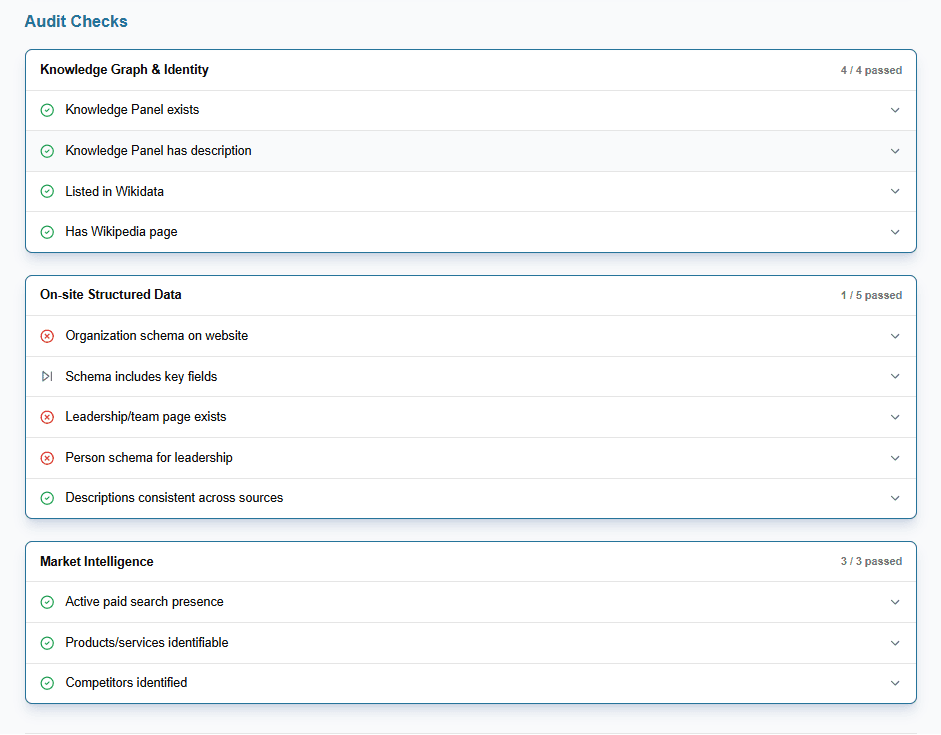
The Entity Audit is a new free, standalone tool for any signed-in user. Enter your brand name and domain, and Xofu will quickly review your Google Knowledge Panel, Wikidata presence, on-site structured data, leadership schema, and consistency across sources. It's a fast way to spot gaps before digging into AI visibility trends, and you can share the results with your team, client, or stakeholders.
Track Visibility Work In-Product with Events
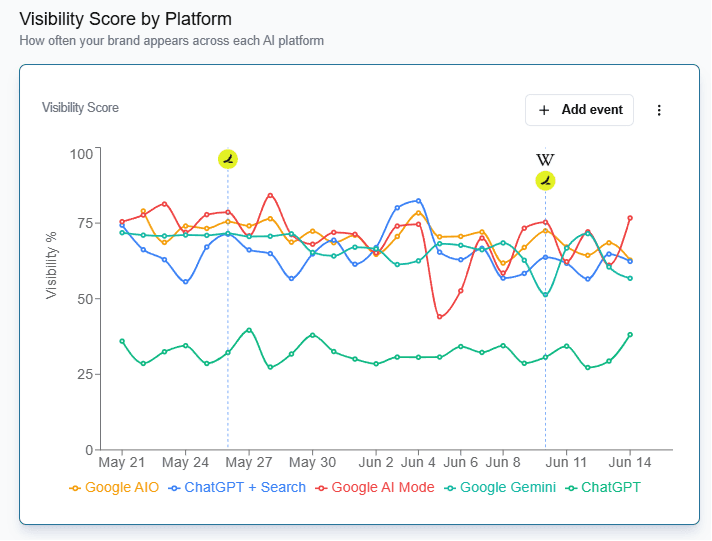
You can now mark visibility work you do (website changes to product pages, new LLM-targeting blog content, offsite citation optimizations) directly inside Xofu. Events appear across every time series view and can be managed from the new Events tab.
Filter to the Most Recent Project Run
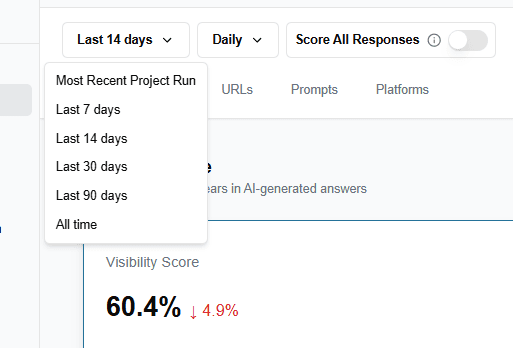
Dashboard pages now support filtering to the Most Recent Project Run, so you can focus on the latest results without noise from earlier runs.
Faster Loads for Long-Running Projects
Behind the scenes, we've made improvements to help long-running projects load faster across dashboard pages and tabs.
Dark Mode for the Brand Project Dashboard
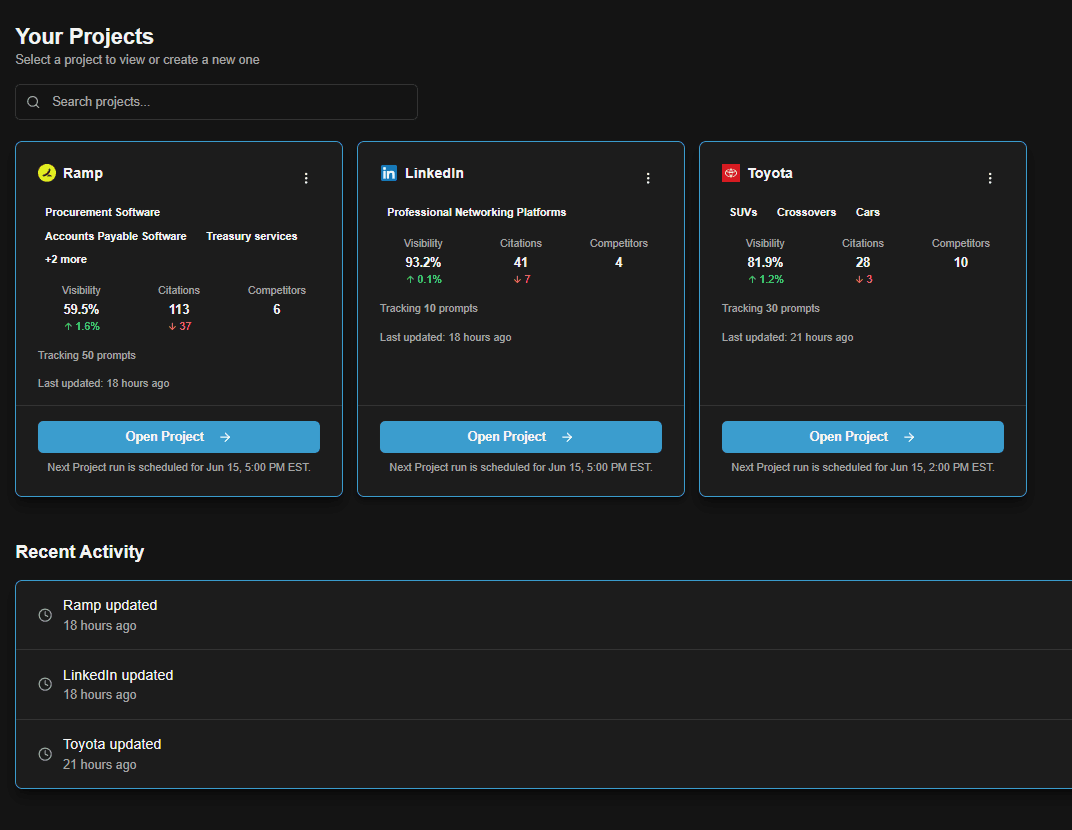
The Brand Project Dashboard now supports dark mode. To enable it, open the user settings dropdown by clicking the avatar icon.
New Changelog Page
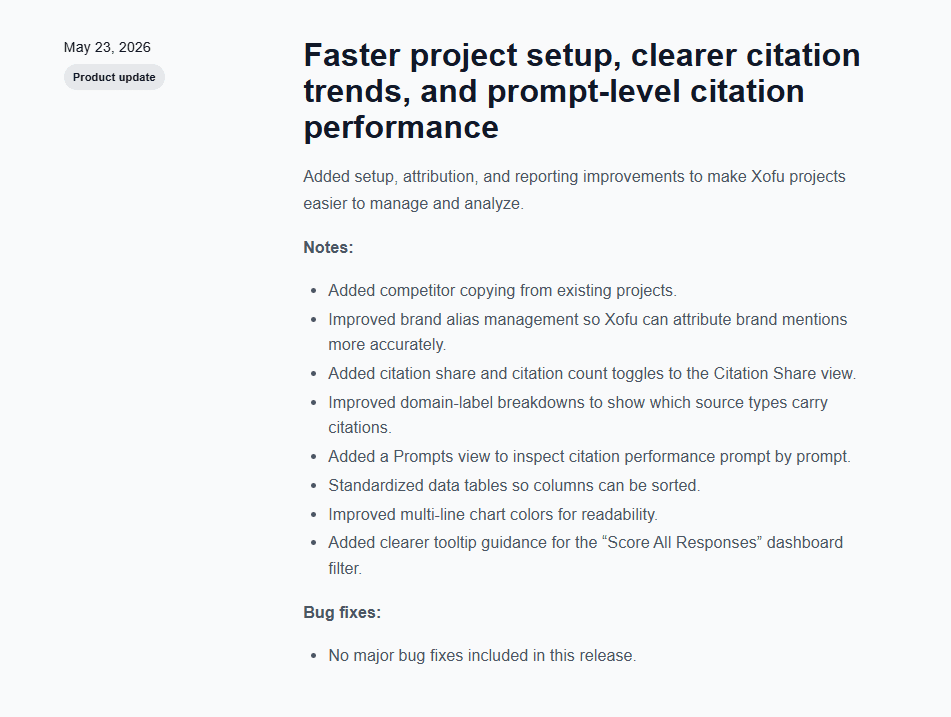
We've added a changelog page so you can keep up with all the new Xofu updates as they ship.
Thank you for your continued feedback and support!

The XOFU Team
Xofu is an AI visibility platform built around the prompts buyers use when they compare options and build a shortlist. It tracks how brands show up across ChatGPT, Google AIO, AI Mode, Gemini, and other assistants.
The platform helps teams see where they’re recommended, where competitors have the edge, and where visibility gaps impact revenue. This makes it easier to spot what’s working, what’s missing, and where to improve.